Card Services

Card services that keep you in control.

Use your Vibe cards with confidence, whether you are tapping to pay, setting controls, or keeping your card secure. Explore the tools that make your spending easier, safer, and more convenient. 



Tap-to-Pay

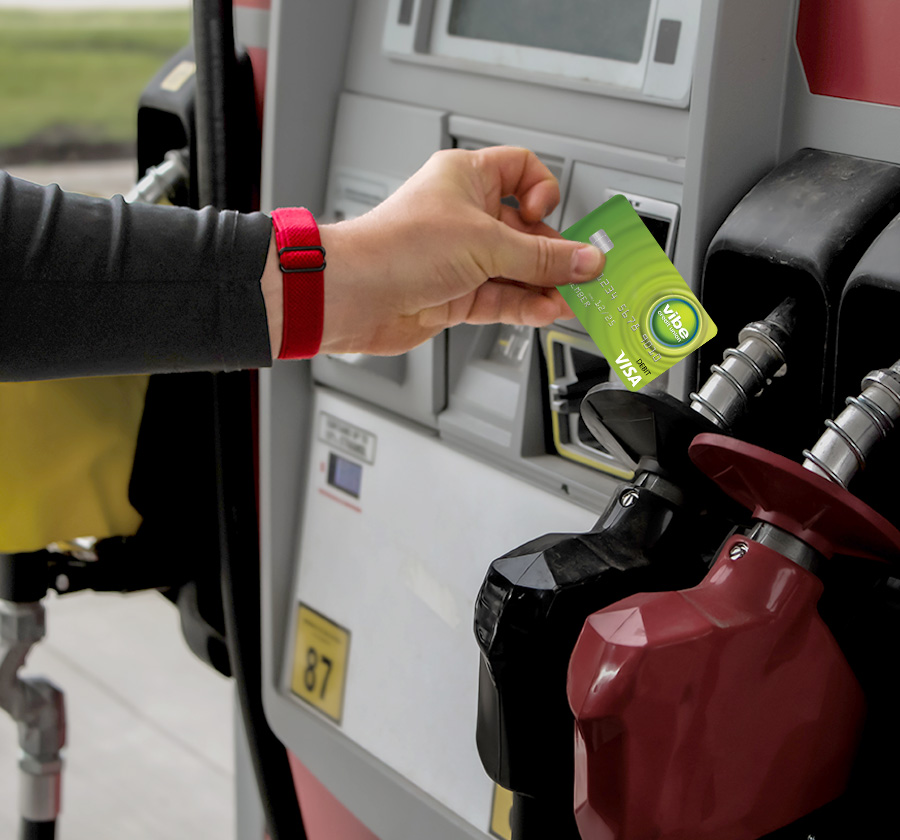
  • Tap-to-pay lets you pay with a single tap, keeping payments fast and convenient
  • Works anywhere you see the contactless symbol
  • Each tap uses a unique, one-time code for added security

  • Just tap your card and go! No extra steps required.

  • All Vibe debit and credit cards come with built-in contactless technology

Mobile Wallet

  • Add your Vibe cards to your mobile wallet for an easy, secure way to pay with your phone or smartwatch
  • Compatible with Apple Pay®, Google Pay™, and Samsung Wallet

  • Your actual card number is never shared. Every transaction is tokenized for extra protection.

  • Pay in stores, online, and in apps with just a tap or click

  • Setup takes only a few minutes

Card Controls

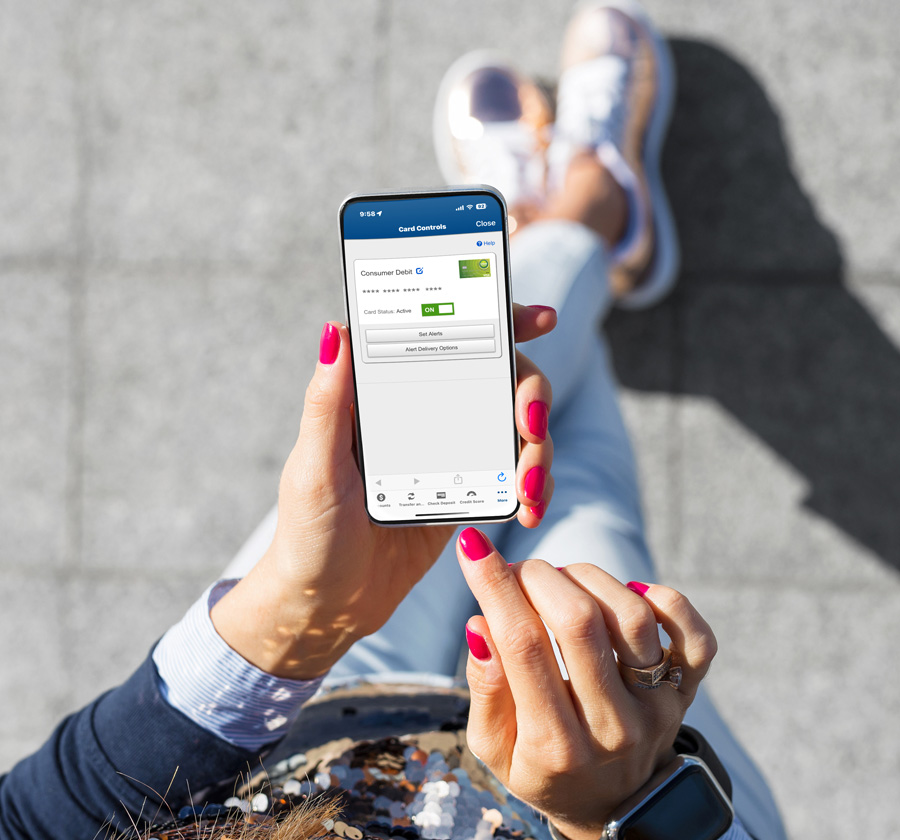
  • Turn your card on or off instantly in the Vibe Mobile Banking app

  • Set spending limits and choose where your card can be used

  • Get real-time alerts for peace of mind

  • Perfect for travel, budgeting, or keeping tabs on youth card activity

Fraud Protection 

  • EMV chip protection for every in-person purchase

  • 24/7 fraud monitoring for debit and credit cards

  • Setup alerts to monitor account for unauthorized account activity


Has your card been lost or stolen?  

  • Turn your card off using Card Controls in Online or Mobile Banking
  • Contact us immediately at 248-735-9500
  • You’re protected from unauthorized charges with Visa’s Zero Liability policy when you report promptly


Need a new Debit or Credit Card?

  • Visit any branch location to receive an instant issued card, available for same-day use
  • You may also contact us at 248-735-9500 to order a new card. Ordered cards will arrive within 7-10 business days. 


Just add your Vibe debit or credit card to Apple Pay®, Google Pay™, or Samsung Wallet. Open your mobile wallet app, tap “Add Card,” follow the prompts, and you’re ready to pay with your phone or smartwatch.

Start by downloading the Vibe mobile banking app.

  • For debit cards: tap your checking account, then select Card Controls.

  • For credit cards: tap your credit card account, then choose Card Controls.

You can reset your PIN anytime by calling 866-762-0558.
First, freeze your card in the Vibe mobile app to prevent additional activity. Then contact us right away at 248-735-9500 so we can review the charge and help you file a dispute if needed. 
Daily limits can vary based on your account and card type. The quickest way to get your exact limit is to contact us, and we’ll be happy to help. 
Activate your new card by calling 866-762-0558 and following the prompts. It only takes a minute!